
JobPacket See it in action
THE FINAL RECORD

The work is done.
The proof comes with it.

Bring approved photos and job details into one packet. Keep a clear version for the customer, and the context your office needs.

Explore a sample packet
ONE APPROVED VERSION

The right record.
For the right reader.

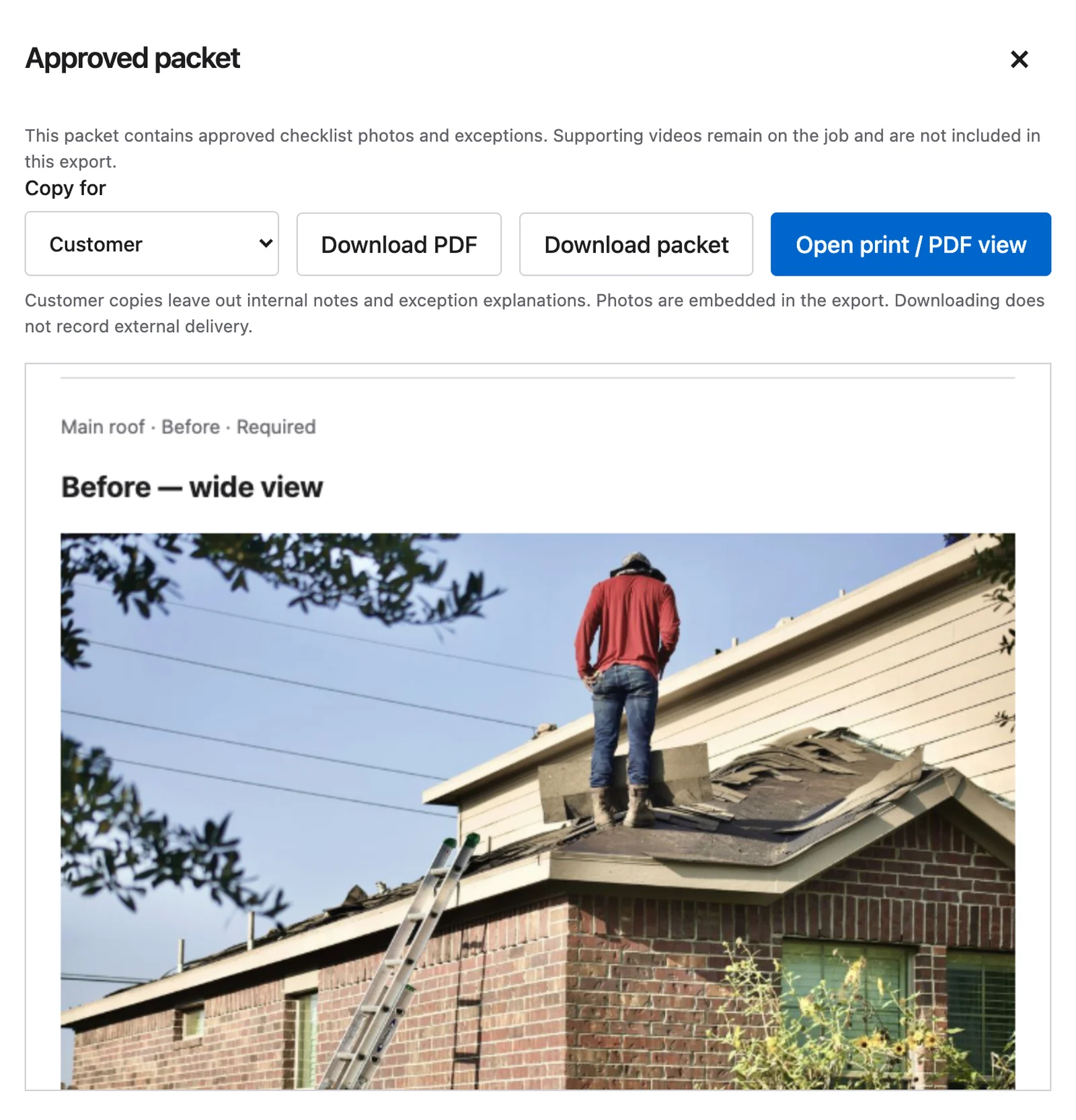
Switch between sample customer and office views. JobPacket exports approved evidence into a document you can file with the job.

Illustrative packet preview using sample evidence.

JobPacket01
CUSTOMER COPY

West lot fence
installation

Job #1042 · Sample record

✓ Approved · Version 1Sample final fence evidence included in the packet
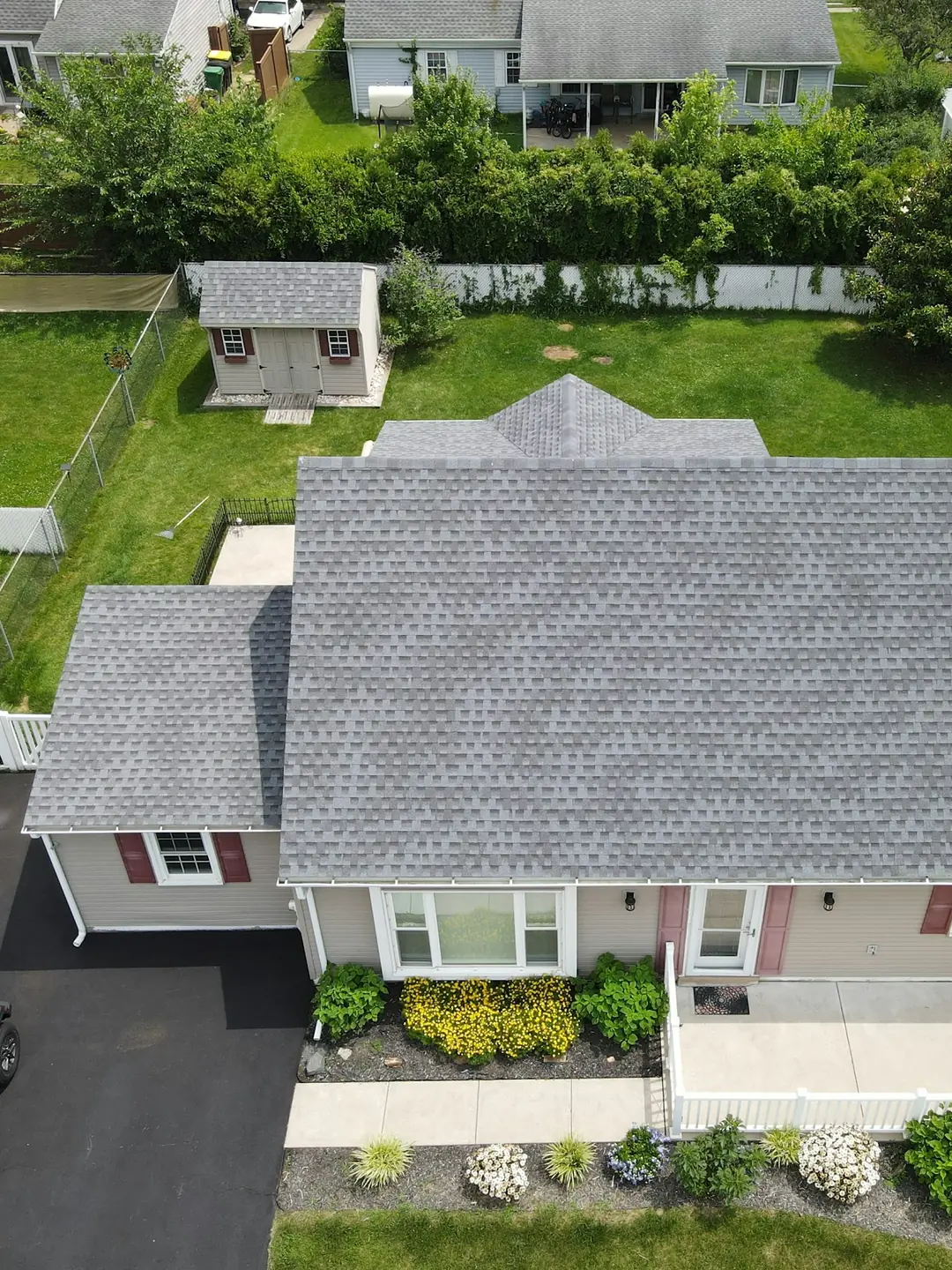
Sample evidence: post base installationPost base
Evidence included
Sample evidence: fence measurementMeasurement
Evidence included
Sample evidence: final fence viewFinal view
Evidence included
01

Photos inside the record.

Approved photo evidence is embedded in the exported packet, so the document carries the proof rather than a list of references.

02

A version you can point to.

Approval freezes the evidence into a packet version. Reopening a job preserves the previous approved version in its history.

03

Ready for the next handoff.

Export PDF or HTML views for the customer or office. File the approved record in the system your business uses.

A FEW GOOD QUESTIONS

Before you get started.

What happens if the job needs a correction later?

Reopen the job and review the new work. The earlier approved packet is retained, and a later approval creates a new version.

Do videos go inside the packet?

Supporting job videos can be imported into the workspace. Approved packet exports are based on photo evidence; videos are not embedded in the PDF.

Is this a warranty or compliance certificate?

No. A packet documents the job evidence and review. It does not replace your trade’s inspections, manufacturer requirements, contracts, or warranties.

PUT IT TO WORK

Make the finished work easy to understand.

Start with one job, one crew, and the proof your office needs.

See it in action