Review the evidence.
Check each required photo. Accept it, request a correction, or review a justified exception before closing out the job.
 JobPacket
Start free
JobPacket
Start free
Bring incoming proof into one review workflow. See the missing detail, ask for the right correction, and keep the job moving.
Explore a sample review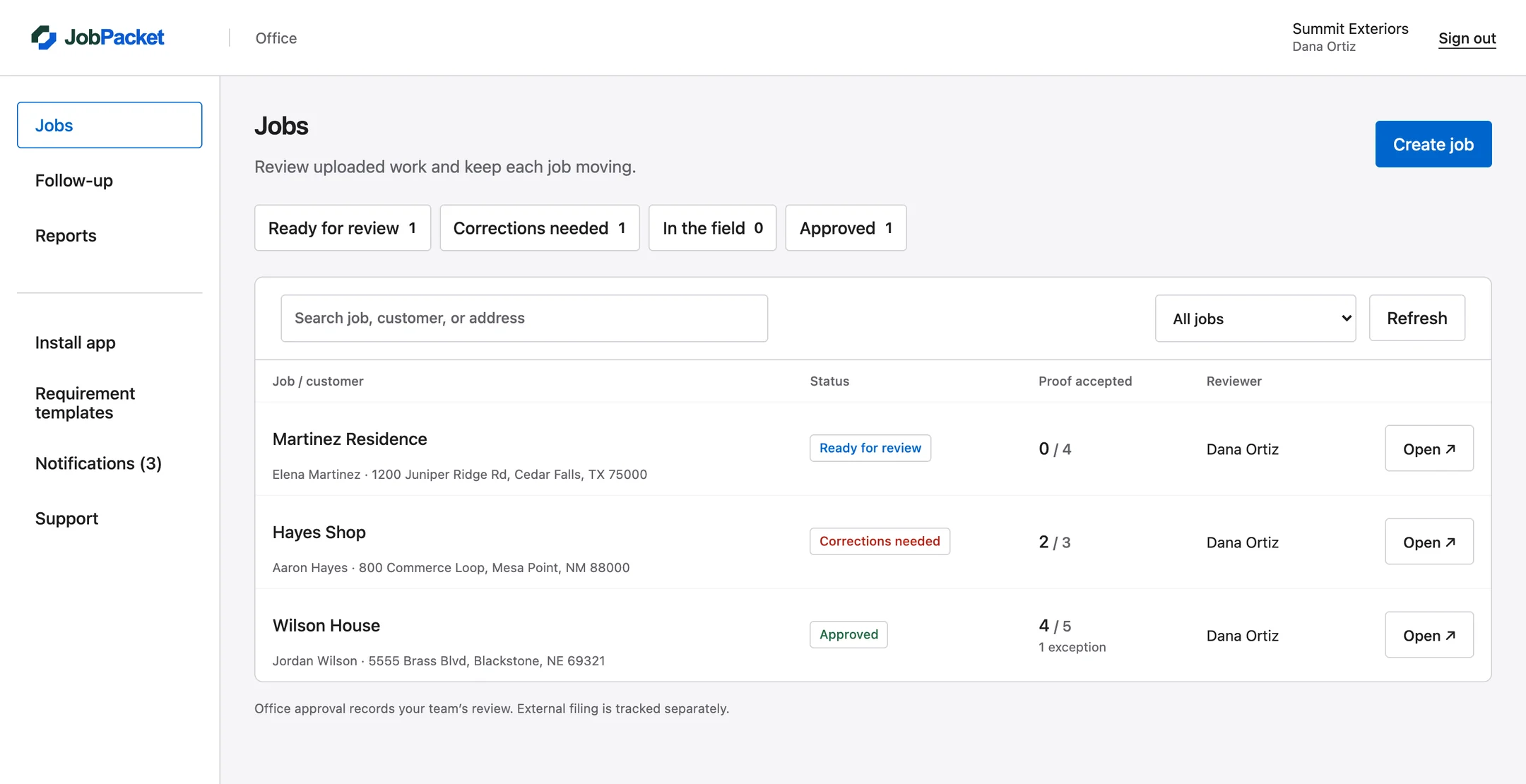
All four photos are in. Check the evidence against the requirements.
Next step: review each photo before approving the packet.
Ask for the exact detail that’s missing. Keep the request with the requirement, so the crew can resolve it without starting another conversation.
Show the full measurement, with both ends of the tape visible.Attached to: measurement photo
Check each required photo. Accept it, request a correction, or review a justified exception before closing out the job.
Work assignments and follow-up views make the next responsible person visible, alongside how long a stage has been waiting.
Approval creates a packet version. If work needs to reopen, the earlier approved record remains part of the job history.
Yes. Office users can upload requirement photos and import supporting job videos. Required photo evidence and supporting media keep their separate roles.
Jobs retain their selected template version. New company-template versions apply to new jobs, preserving the requirements the existing crew was given.
No. Export and filing are separate from review. The integrations page explains the current handoff options and the work needed for any automatic vendor delivery.
Start with one job, one crew, and the proof your office needs.